 VECTCOR
Engineering reviews
The customer submits a variant. Engineering reviews the selected equipment options and requested services together.
Field service management software
Vectcor connects customer equipment specifications, quotes, work orders, and technician skills. Give the scheduler the scope that Engineering approved and Sales sold.
Interactive product demo
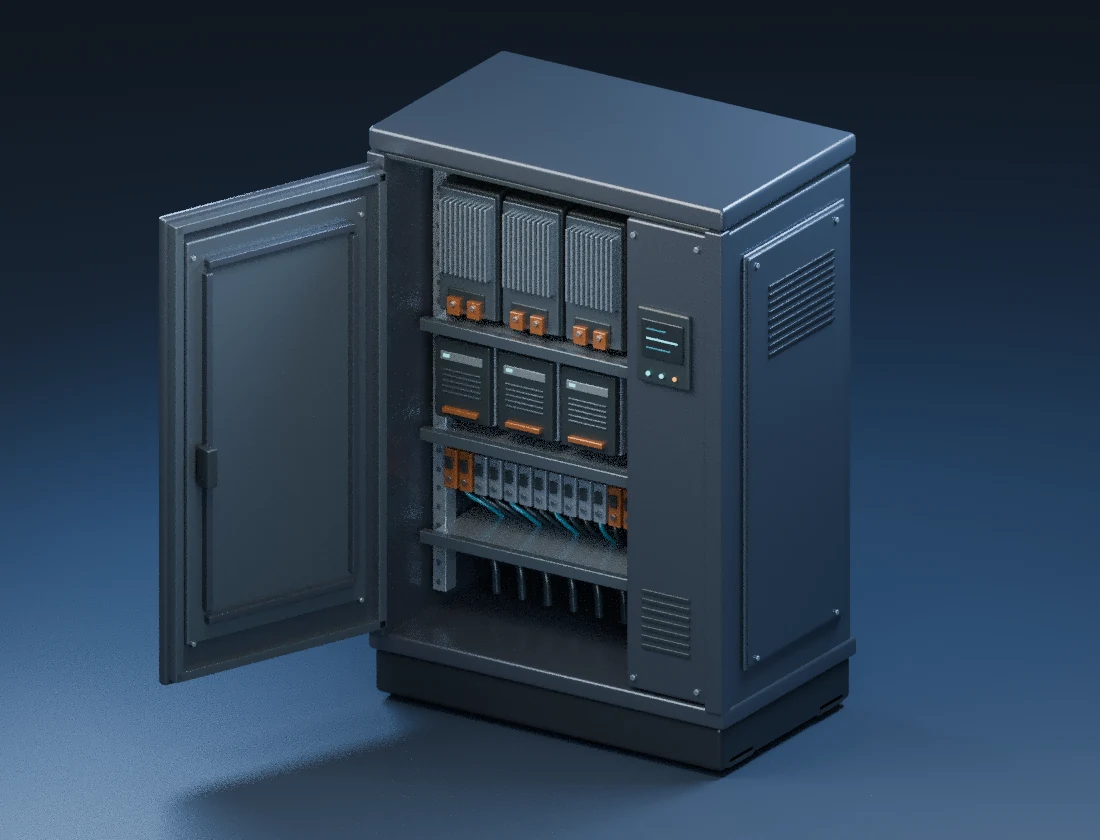
Choose a control package and a finish for this illustrative transfer switch. Rotate the model and see which choices change the bill of materials and commissioning skills.
Bill of materials1 control module
Commissioning skillSTS commissioning
Quote specificationStandard · Graphite
Commercial workflow
The customer submits a variant. Engineering reviews the selected equipment options and requested services together.
Sales prepares a proposal from the approved build, then records the customer’s purchase order against the accepted quote.
Equipment and purchased services reach Order Entry together. Variant-specific skill requirements inform crew planning.
Plans
Start with field operations, connect the commercial workflow, or bring in enterprise reporting and governance.
Dispatch technicians, execute work orders, track time, and manage installed equipment.
Connect field operations with capacity planning, product quality, sales, and product configuration.
Add financial and executive reporting, advanced integrations, and enterprise governance.
Personal walkthrough
A Vectcor walkthrough can follow a work order, a crew scheduling decision, or a customer’s configured product from Engineering to Sales.
Checking availability for walkthrough requests…